TK
Glazni Apps โ€” Tasks
Published

A short list, not a system.

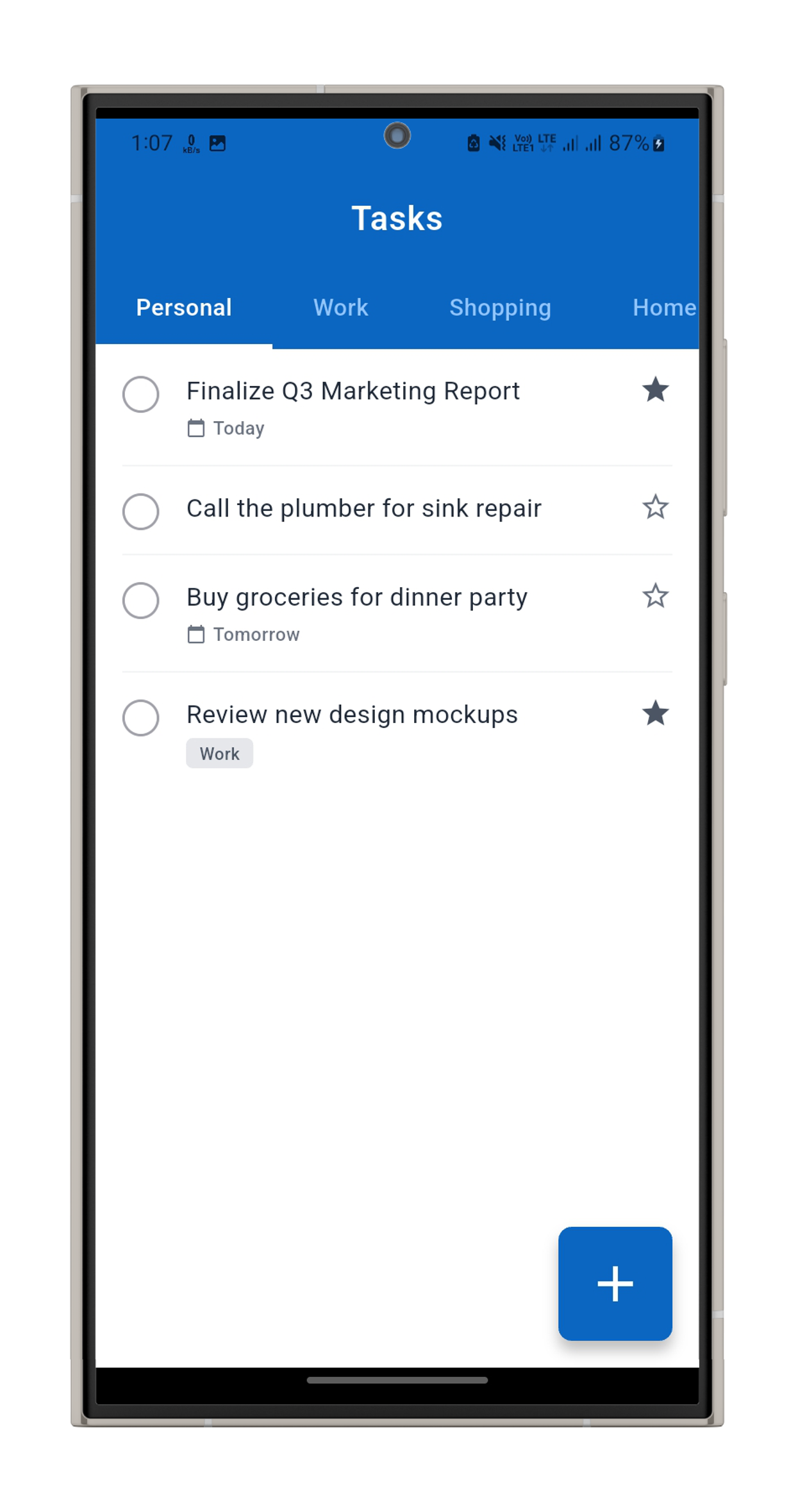
Tasks is a plain to-do list โ€” add what needs doing, check it off, done. No projects, no labels, no productivity system to maintain, just today's list and whatever's still open from before.

Platform Android (APK) Status Published
The idea

The list is the whole app.

Most task apps grow into project managers โ€” boards, tags, recurring rules, reminders stacked on reminders. Tasks stays a list: add an item, check it off when it's done, delete it if it isn't happening.

Nothing rolls over automatically and nothing nags you. What's left at the end of the day is still there tomorrow, exactly where you left it.
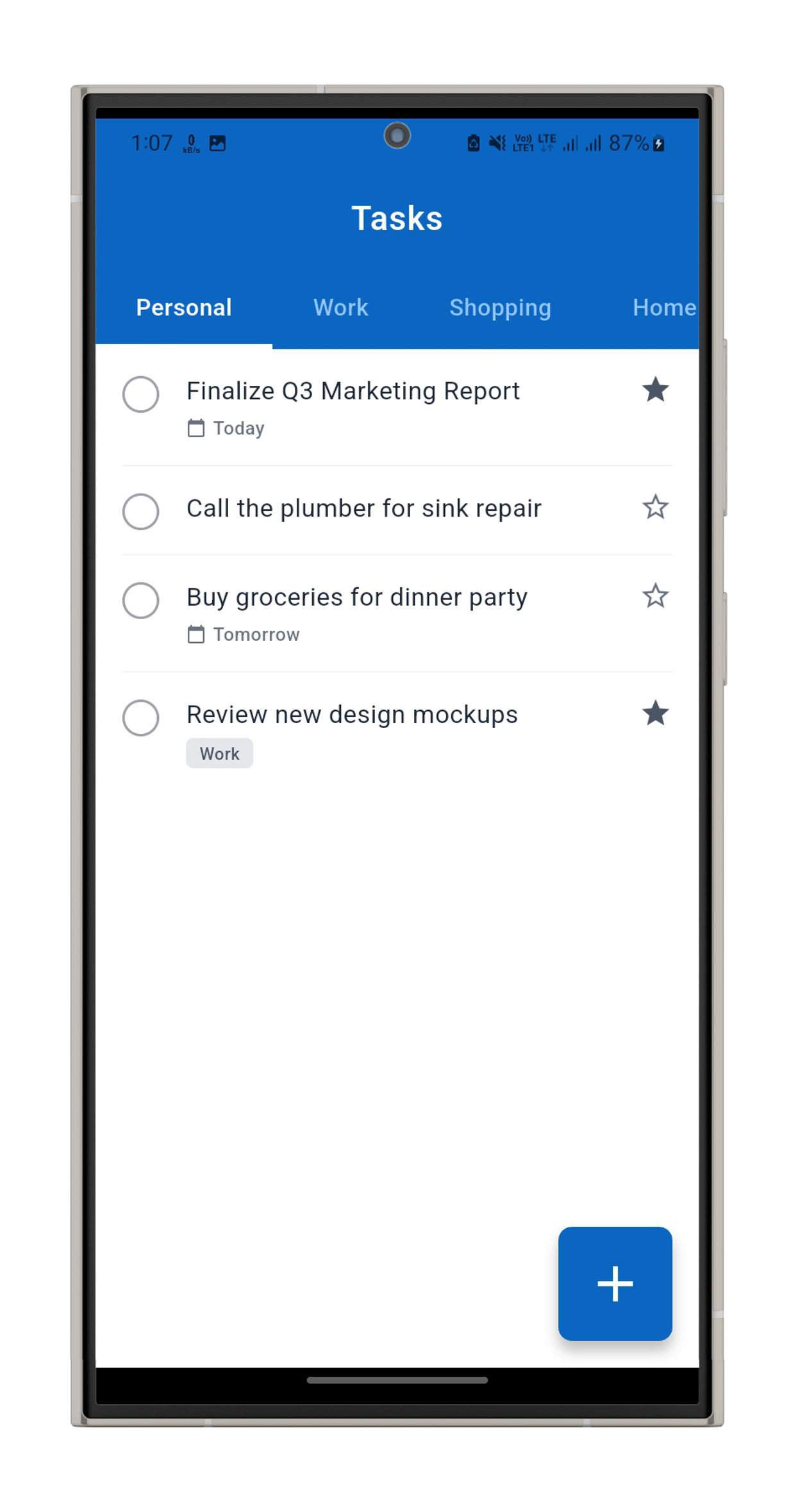
Today's list screen in the Tasks app
Screenshot placeholder Today's list screen goes here
How it works

Three things, that's the whole app

Nothing to configure before you can start adding to the list.

01

Add

Type a task and it's on the list โ€” no due date, priority or project to assign unless you want to write it into the text.

02

Check

Tap to mark something done. It stays visible, struck through, until you clear it.

03

Clear

Clear finished tasks whenever you want a fresh list โ€” nothing disappears on its own.

Screens

What it looks like

Real screenshots are going in these three slots as the build lands.

Today's list screen in the Tasks app
Today's list Everything open right now, in the order you added it
Done screen in the Tasks app
Done What you've already checked off, kept until you clear it
Add screen in the Tasks app
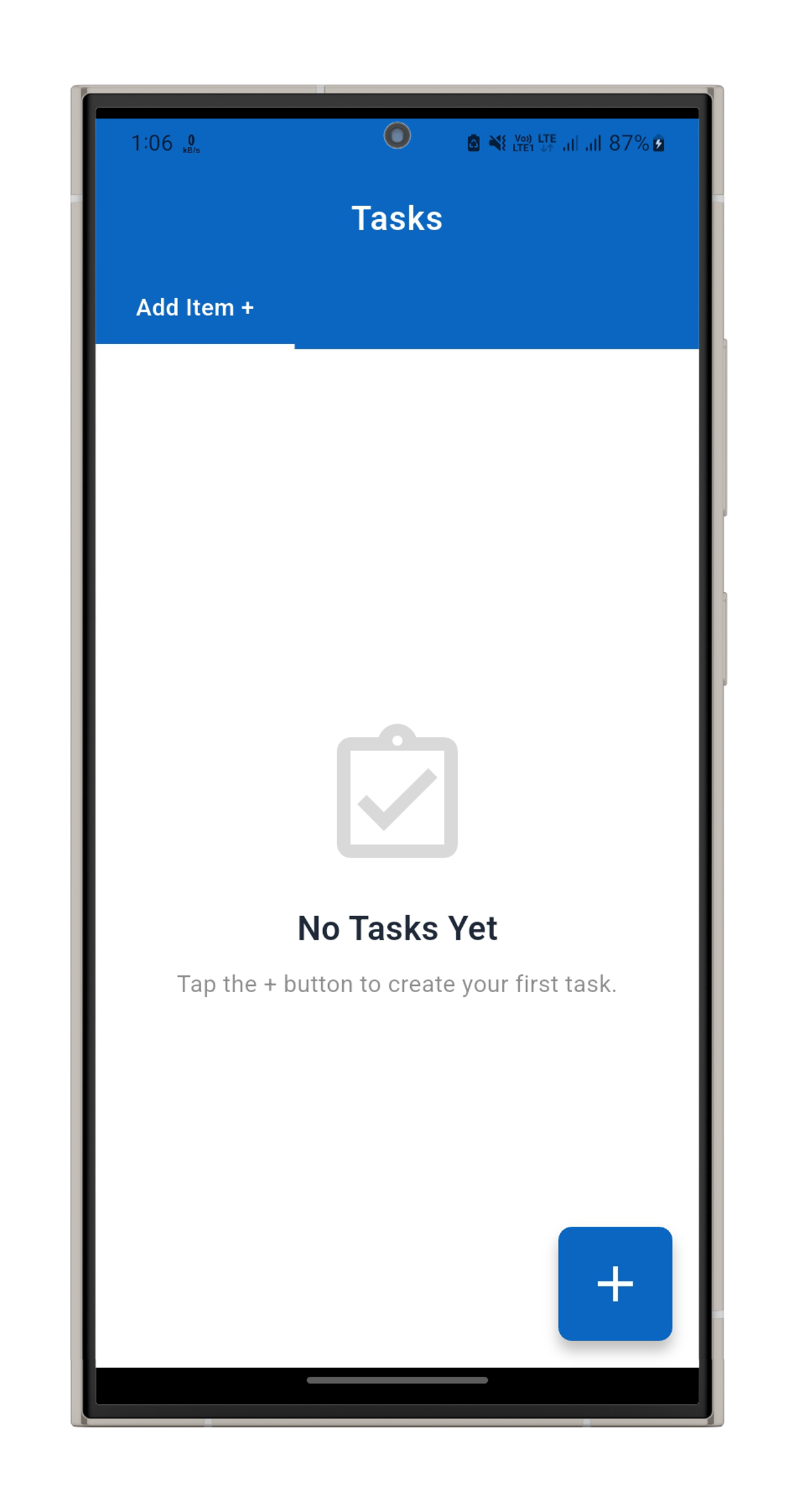
Add Type a task and it's on the list
Get it

Install it directly, for now

TK

Tasks โ€” Android APK

Version pending ยท file goes live once it's uploaded

Download APK

Google Play and the App Store are on the roadmap. Until then, this installs straight from the APK above โ€” you'll need to allow installs from outside the Play Store on Android.

Building something like this too?

This is one app from Glazni Apps โ€” there's more where it came from.

Talk to us about a build, or see what else the studio is shipping.